Drop your zones.
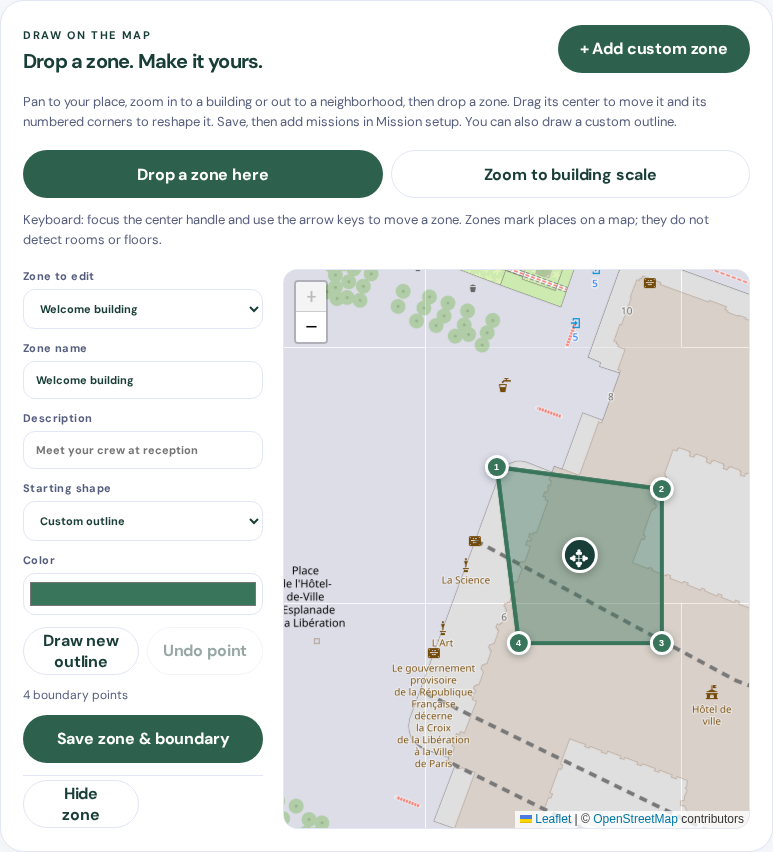
Zoom to your spot and drop a zone. Drag it into place and adjust its corners around a building, courtyard, or neighborhood.
 QuestfieldMISSION MAPS
A company campus. A few favorite streets. A building with a mission inside. Drop zones on a map, drag them into shape, and give your people something fun to do.
Build a map around the places that matter to your group. No need to plan an adventure across an entire city.
Zoom to your spot and drop a zone. Drag it into place and adjust its corners around a building, courtyard, or neighborhood.
A team photo at reception. A clue in the next building. A creative challenge in the courtyard. Add your instructions and choose the points.
Friends or colleagues join in their browser, choose a zone, and start exploring. Review their submissions and celebrate the scoreboard.
Snap a team album cover. Find a hidden detail. Trade a fun fact with someone new. Make your missions as playful, puzzling, or personal as you like.

Use the drag-and-drop zone editor to move whole zones and reshape their corners. Assign a mission to one place or several, personalize your teams, and choose automatic points or manual review.
Try the zone editor →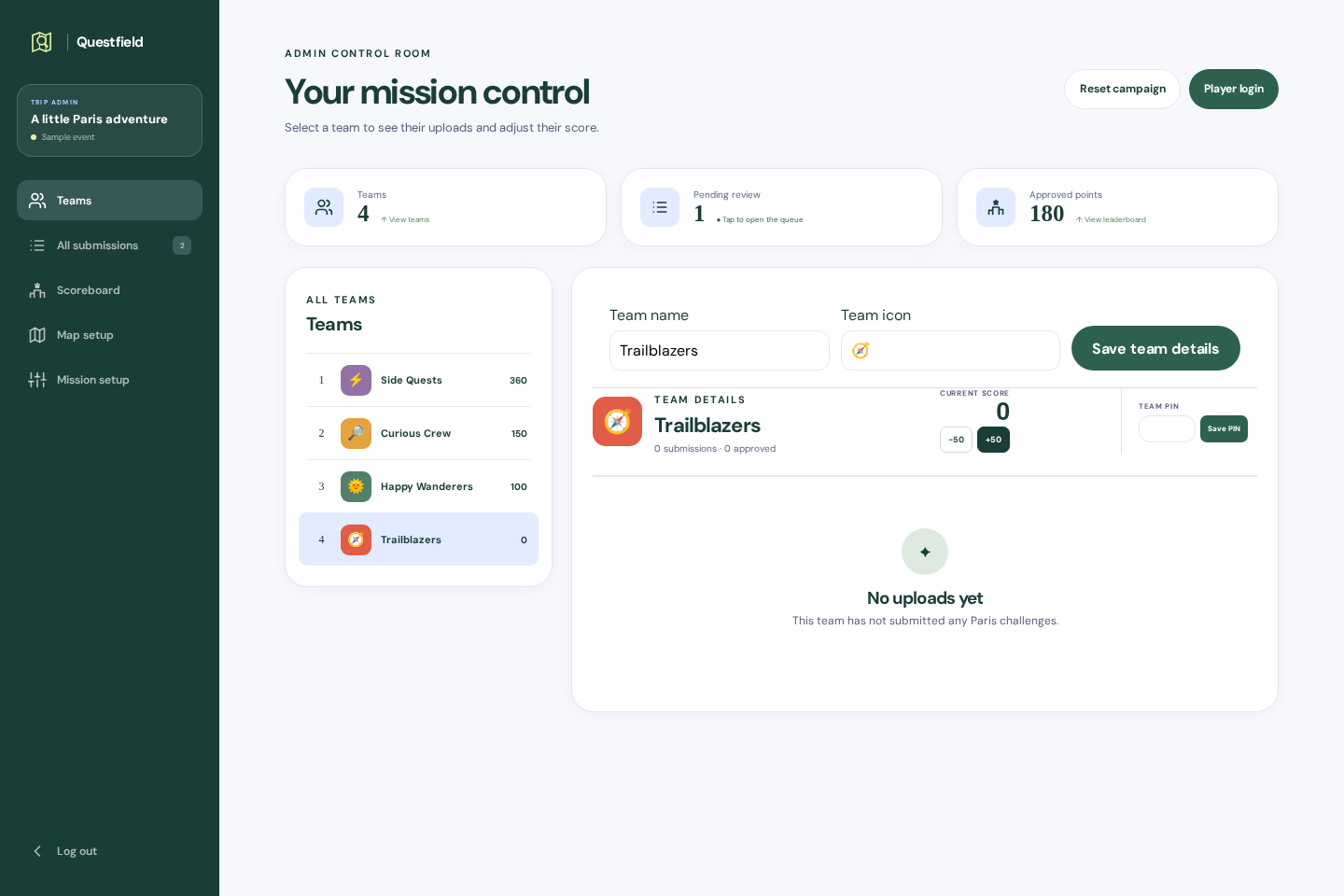
Give each building its own zone. Connect reception, the workshop, and the courtyard with missions that get colleagues talking.
ILLUSTRATIVE EVENTTurn a few favorite places into a birthday quest, a weekend challenge, or a friendly competition with your people.
ILLUSTRATIVE EVENTZoom in, outline individual buildings, and give each a mission. Use clear instructions to tell players where to go once inside.
ILLUSTRATIVE EVENTDrop a new zone, drag its corners, and add a mission. Then switch to player mode and try it yourself. No signup or personal uploads.
Your demo is private to your browser tab. It does not synchronize across devices.Tell us about your company, your group, and the places you want to use. An assisted pilot includes help setting up zones, shaping your missions, and preparing your organizer.
No checkout or commitment here. We’ll discuss scope, availability, and a quote before you decide.
Yes. Zoom in and draw a separate boundary around each building, then assign missions to it. Players can follow instructions to a spot inside. This uses an outdoor map: it does not show indoor floor plans, distinguish floors, or verify someone’s location.
Choose “Drop a zone here” to place a starter shape on the map. Drag its center to move the whole zone, or drag numbered corners to fit your place. You can also draw a custom outline. Save your zone, then add missions in Mission setup.
No. The same map works for a company outing, campus welcome, birthday group, or a few friends. Set your own places and missions to suit your people.
No. Players use a modern phone browser and join with the event’s team credentials.
Yes, for a real event: players need connectivity to load maps and send submissions. The demo stores game actions in your tab, but map tiles still need internet access.
Photos, videos, written answers, and codes, with optional location links. Code responses are collected for review; answers are not automatically checked for correctness.
Yes. Choose automatic approval or manual review. A challenge assigned to several zones is scored once per team. The recorded zone is chosen by the player, not verified by GPS.
You can customize the app name, missions, zones, team names, and icons. We’ll agree the scope of any additional branding during pilot planning.
The demo uses sample artwork and does not accept personal uploads. For a real pilot, we’ll agree media access, retention, and deletion arrangements before the event.
We’re starting with assisted pilots. Submit an inquiry to discuss an event; self-service accounts, checkout, and subscriptions are not offered here.